
Overstock vs Stockout: Managing Amazon Wholesale Inventory Efficiently
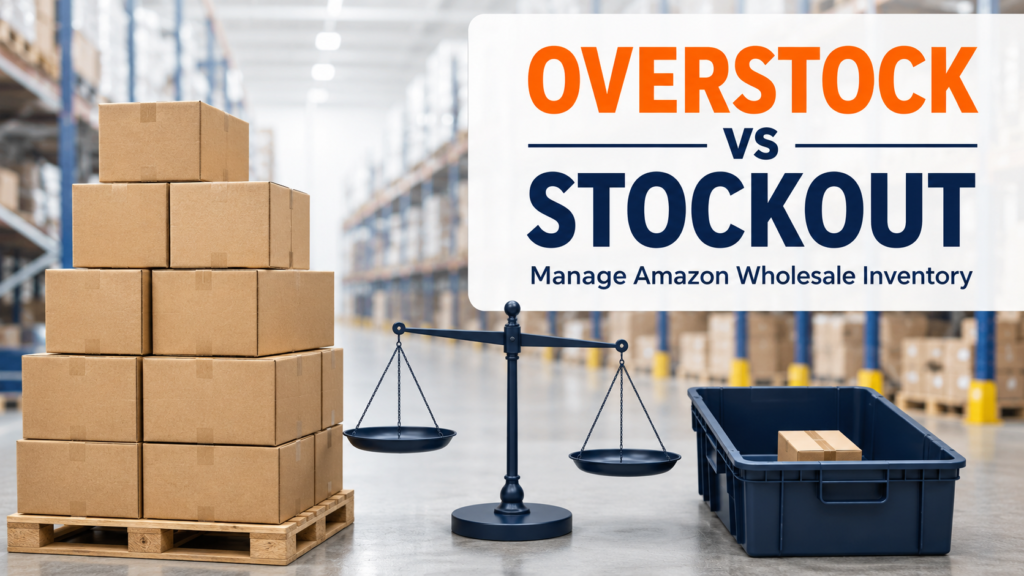
Amazon wholesale inventory management is a balancing act. Order too much stock, and your cash can become tied up in slow-moving products, storage exposure, and unwanted fees. Order too little, and you may run out of stock just when a product is gaining momentum. Both overstock and stockouts can reduce the efficiency of an Amazon FBA business. The answer is not to keep the warehouse full at all times, nor is it to place very small orders out of fear. Instead, successful wholesale sellers use demand signals, lead times, case quantities, and supplier availability to make smarter replenishment decisions. This guide explains how to manage the overstock vs stockout challenge in a practical way, especially when sourcing authentic products from wholesale distributors. Quick Answer Overstock happens when you hold more inventory than you can sell within a reasonable period. A stockout happens when inventory runs out before you can replenish it. Amazon FBA wholesale sellers can reduce both problems by tracking sales velocity, calculating reorder points, considering supplier lead times, checking available case quantities, and avoiding purchases based only on a low unit price. The goal is to keep enough inventory to support sales without carrying more than your business can manage. What Is the Difference Between Overstock and a Stockout? Overstock and stockouts are opposite inventory problems, but both can affect profitability and account performance. What Is Overstock? Overstock means you have purchased more units than your current sales rate can support. The stock may remain at Amazon, a prep center, your warehouse, or another storage location longer than expected. Common signs of overstock include: Overstock is not always caused by poor sourcing. A product may slow down due to seasonality, new competition, price changes, listing changes, or a drop in customer demand. What Is a Stockout? A stockout occurs when you run out of a product before the next shipment is received and made available for sale. For Amazon sellers, a stockout can mean missed sales opportunities. It may also interrupt your sales history and make it harder to maintain consistent momentum when the product returns in stock. A stockout may happen because of: The right inventory strategy considers both risks at the same time. Why Overstock vs Stockout Matters for Amazon FBA Sellers Inventory is one of the biggest uses of capital in a wholesale business. Every case you purchase represents money that cannot be used for other profitable opportunities until the products sell. At the same time, staying in stock on a proven product can be important. When a listing runs out, you may lose sales during the gap and need time to rebuild your sales pace after replenishment. Cash Flow Is Directly Connected to Inventory Wholesale sellers often focus heavily on profit per unit. That matters, but inventory speed matters too. For example, a product with a strong margin may still be a poor choice if it takes many months to sell. Another product with a slightly lower margin may be healthier for the business if it sells consistently and allows you to reinvest capital faster. Before reordering, ask: For a deeper foundation, review our guide on inventory forecasting tips for Amazon wholesale sellers. Forecasting is not about predicting the future perfectly. It is about using real data to make better decisions before money is committed. Stockouts Can Affect More Than Sales A stockout is not simply an empty inventory count. It can affect your planning, advertising decisions, pricing position, and customer momentum. If you know a product takes several weeks to arrive from a supplier and Amazon receives shipments slowly during a busy period, placing your reorder only when inventory is almost gone is risky. The key is to create a reorder point before your inventory reaches zero. Overstock Can Create Hidden Costs Overstock is often expensive in ways sellers do not see immediately. The purchase invoice may look manageable, but the long-term impact can include storage, handling, discounting, and lost reinvestment opportunities. It is also helpful to consider costs beyond the product price, such as prep, inbound shipping, storage, returns, and price changes. Our article on hidden costs that reduce Amazon wholesale profits explains why a product should be evaluated using its full landed cost, not only its wholesale cost. A Step-by-Step Guide to Managing Amazon Wholesale Inventory Step 1: Track Your Average Sales Velocity Sales velocity is the number of units you sell during a defined period, usually per day or per week. For example, if you sell 40 units in 28 days: Use a meaningful period. A seven-day view may be too volatile for some products, while a 90-day average may hide recent changes. Many sellers compare 30-day and 60-day sales data to see whether demand is rising, falling, or remaining stable. Do not rely only on a single strong week. Look for consistency. Step 2: Calculate Your Days of Supply Days of supply tells you how long current inventory may last at the current sales rate. Simple formula: Current sellable units ÷ average daily unit sales = estimated days of supply For example: This gives you a practical picture of when you need to reorder. Step 3: Understand Your Total Lead Time Lead time is not only the time a distributor takes to ship your order. For Amazon FBA, total lead time can include: If the full process takes 21 days, you should not wait until only a few days of stock remain. Always build a reasonable buffer because delays can happen, particularly during peak periods or seasonal demand changes. Step 4: Set a Reorder Point A reorder point is the inventory level that tells you it is time to place another order. A basic formula is: Average daily sales × total lead time + safety stock = reorder point For example: 2 × 21 = 42 units42 + 15 = 57 units In this example, you should consider reordering when inventory reaches around 57 units, not when it reaches zero. Your safety stock should reflect the product’s risk